Toggle Nav


Toll Free No. : 1660-01-12787

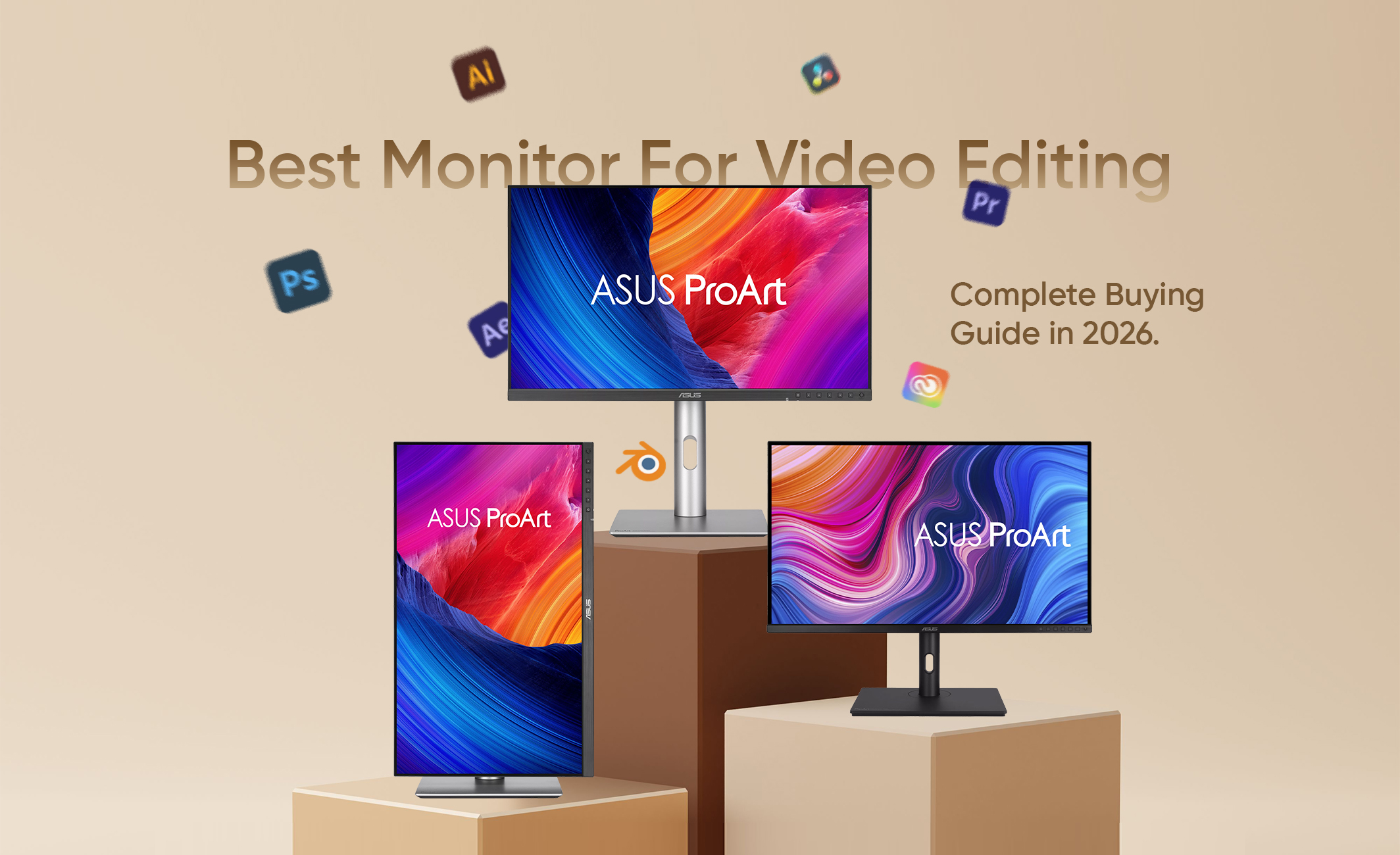
Video editing is all about graphical precision, and therefore, the better monitor you have, the more precise you can be. Even the best setup cannot provide you with accurate results if your display shows incorrect colors, poor contrast, or if your monitor lacks the resolution that you need to see the fine details of the project that you are working on. The good news here is that there are monitors such as ASUS ProArt Display PA329CV and ASUS ProArt Display PA279CV which are ideal for video monitoring.
In this blog, we provide you with insights on some of the best monitors for video editing, with additional insights on what makes a good video editing monitor and common mistakes to avoid when buying a video editing monitor. So keeping this in mind, let’s get started!
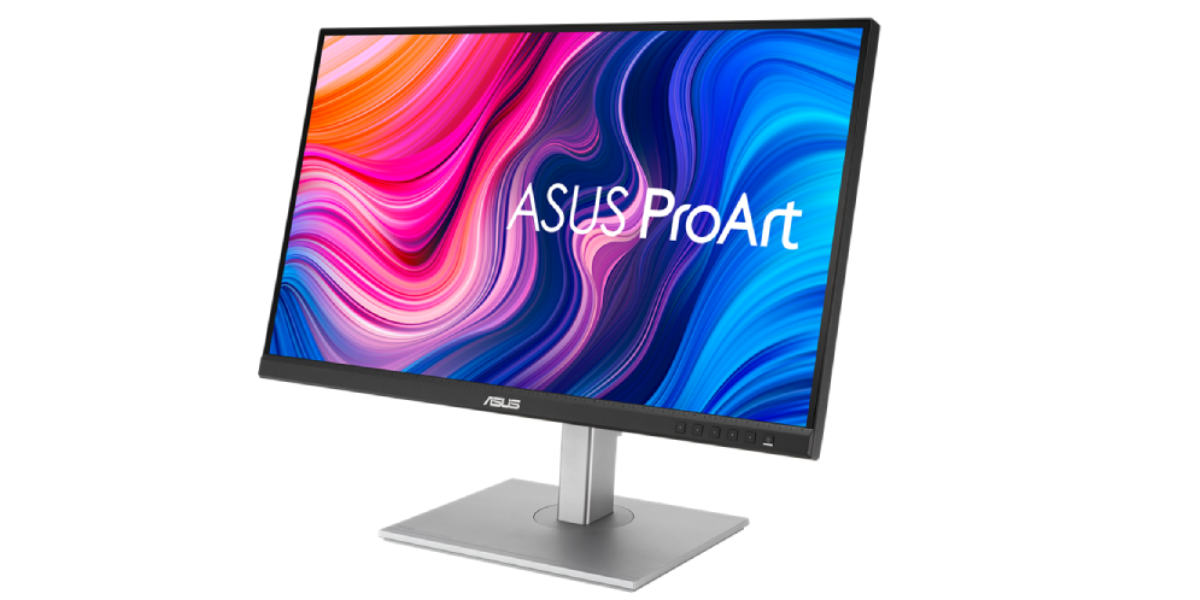
The monitor is one of the most important tools for the video editing process. Each and every time you correct colors and exposures, and even when you add a certain detail to your video, you do all this with the help of your monitor. The correct choice of the monitor will make your edits not only better but also will speed up the editing process.
Knowing why a good monitor matters for video editing is just one part of the process; another aspect is knowing what makes a good video editing monitor. Among the best video editing monitors are those which provide the viewers with accurate colors, clear visuals, and additional tools that will allow them to have an easier video editing experience. In addition to all this, there are several other characteristics that make a great video editing monitor:
The first of these is color accuracy. Color accuracy refers to how close the colors you see on the screen are to the colors in the original footage. A good video editing monitor would be factory-calibrated and provide a Delta E < 2 score (professional-level color accuracy, meaning the colors displayed on the monitor are almost identical to the original source and any differences are virtually impossible to notice with the human eye).
Having a monitor with a wide color gamut means having the possibility of displaying more colors. The first criterion for most users would be to have full 100% sRGB coverage, while for filmmakers and video professionals, it is required to have very good coverage in either DCI-P3 or Adobe RGB.
More resolution means better image sharpness and allows noticing more details when working on video. While Full HD is sufficient for basic work, 4K monitors give much more space to work and are great for high-resolution editing.
All pro editing monitors use IPS (In-Plane Switching) panel technology because they are known for their excellent color reproduction and wide viewing angles. IPS screens are way more consistent than TN or even some VA panels.
If you do any HDR work, choose a monitor that supports HDR. Monitors with certification such as DisplayHDR 400 or better allow producing better brightness, contrast and highlights, which makes editing HDR footage easier.
A larger display gives you more room for timelines, editing tools, and preview windows. The monitors of size between 27 to 32 inches are preferred by users as they are a good combination of screen size and desk space.
Modern connectivity makes things easy as well as efficient. Therefore, you need to look for monitors that have USB-C, HDMI, and DisplayPort ports. A USB-C port with Power Delivery comes in handy here since it enables compatible laptops to send video, data, and power using one single wire.
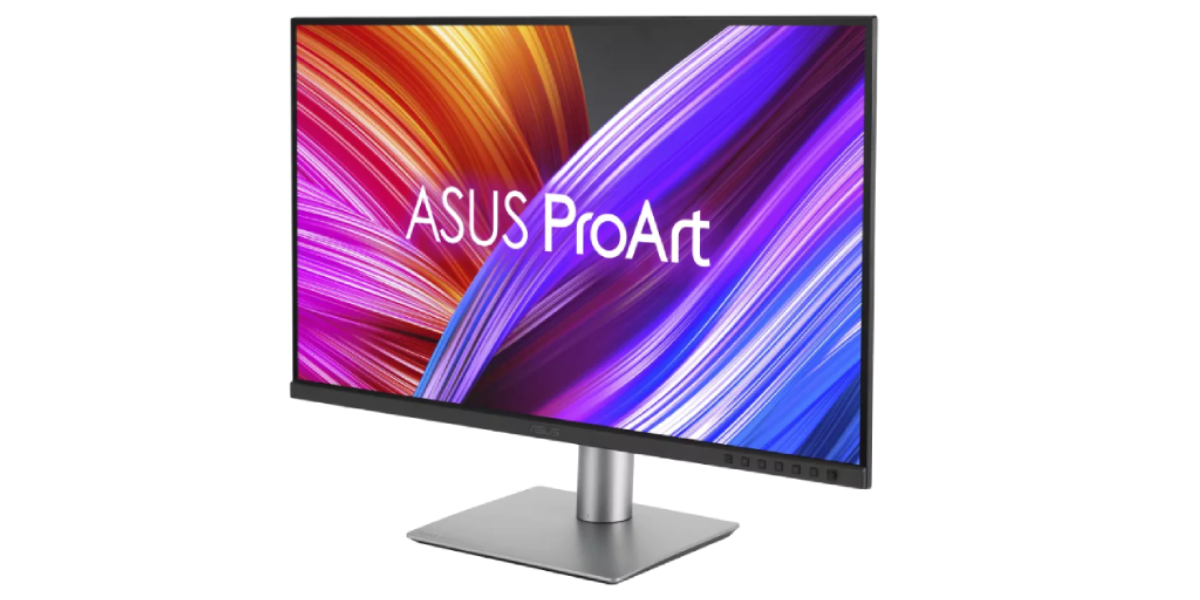
If you are looking for a monitor which is specifically designed for video editing, then one of the best decisions you can make is to choose the ones from the Asus ProArt series. The monitors in this series are designed for creators, and they offer factory-calibrated color accuracy, wide color gamut coverage, 4K resolution and professional connectivity.
Below are three of the best ASUS ProArt monitors for video editing available at Nagmani.
The ASUS ProArt Display PA329CV monitor would be an ideal choice for video editors due to its large space that allows editing of 4K videos, creating complicated timelines and running several applications simultaneously. The 32-inch IPS panel provides outstanding picture quality, along with perfect color accuracy ensured by factory calibration and Calman Verification.
Key Specifications
The ASUS ProArt Display PA279CRV will suit any professional video editor, colorist, or filmmaker with high demands when it comes to accurate color reproduction. It has broad Adobe RGB and DCI-P3 color gamuts, supports HDR, and has built-in USB-C with 96W Power Delivery.
Key Specifications
The ASUS ProArt Display PA279CV is one of the best displays to buy for video editors, photographers, and other people who create visual content, due to the combination of performance and value offered by this display. This product features a 4K IPS panel, factory-calibrated colors, a USB-C port, and full functionality of its stand.
Key Specifications
The ASUS ProArt Display PA278CGRV will be an excellent option for those who need a monitor that will cope well both with content creation and motion workflows. Thanks to its 27-inch QHD IPS display with factory calibrated colors (Delta E < 2; Calman verified), as well as 144 Hz refresh rate, this monitor makes it easier to edit videos at high frame rates, to scrub through timelines, and even play games in the evening. With 97% DCI-P3 color coverage, USB-C with 96W Power Delivery, Auto KVM, and DisplayHDR 400 technologies, it provides a good set of features.
Key Specifications
These ASUS ProArt monitors have been compared using their specifications and prices in the table provided below, allowing for an easy decision regarding the best monitor for your video editing purposes.
| Monitor | Display | Resolution | Color Gamut | HDR | USB-C PD | Best For | Official Price (Nagmani) |
| ASUS ProArt Display PA329CV | 32-inch IPS | 4K UHD (3840 × 2160) | 100% sRGB, 100% Rec.709 | VESA DisplayHDR 400 | Up to 90W | Professional video editing, 4K workflows, multitasking | NPR 139,900 |
| ASUS ProArt Display PA279CRV | 27-inch IPS | 4K UHD (3840 × 2160) | 99% Adobe RGB, 99% DCI-P3, 100% sRGB, 100% Rec.709 | VESA DisplayHDR 400 | Up to 96W | Professional color grading and filmmaking | NPR 117,900 |
| ASUS ProArt Display PA279CV | 27-inch IPS | 4K UHD (3840 × 2160) | 100% sRGB, 100% Rec.709 | HDR10 | Up to 65W | Beginner to intermediate video editing and content creation | NPR 97,900 |
| ASUS ProArt Display PA278CGRV | 27-inch IPS | QHD (2560 × 1440) | 100% sRGB, 97% DCI-P3 | VESA DisplayHDR 400 | Up to 96W | Video editors, photographers, designers, and creators who want smooth 144Hz performance | NPR 87,500 |
There is no one-size-fits-all answer to the question of what would make the best video editing monitor since it all comes down to the type of projects one will be working on, how experienced the person is, and their workflow. There is no doubt that an amateur who is just learning how to edit videos for YouTube or any other social media platform will not require the same monitor as a professional colorist or a filmmaker whose projects are intended to be presented at some top-notch commercial level. Likewise, someone who works with complex 4K projects may need a bigger screen as compared to people who are concerned about professional color performance. Let us take a closer look at the ASUS ProArt monitors and which of them may suit the needs of different video editors:
In the end, the decision depends entirely on your preferences as an editor and the budget that you have. Based on what kind of content you are going to edit and how advanced you are with the process, it will be possible to pick an ASUS ProArt monitor that suits your requirements.
When it comes to buying monitors for video editing, it can be easy to make mistakes as it is not a common purchase and is a relatively niche market. Because of this, there are many mistakes one can make when purchasing a video editing monitor. Some of the most common mistakes that you can make when buying a video monitor include:
Selecting the ideal monitor for your video editing does not solely depend on having the largest display. It depends on other factors, including color accuracy, wide coverage of color gamut, 4K resolution, IPS panel, and good connectivity. Having the perfect monitor will help improve the way you edit videos and ensure that you come up with videos that are consistently of good quality. Some of the best monitors in the market with these features include ASUS ProArt Display PA329CV, ASUS ProArt Display PA279CRV, and ASUS ProArt Display PA279CV.
In this blog, we have shared with you information about some of the best monitors for video editing along with some other pieces of information as well. We hope that you find this blog useful. If you need more information about laptops and computers in general, be sure to read some of our other blogs as well. You can get the best Asus and Lenovo devices from Nagmani International – the authorized distributor of Asus and Lenovo laptops in Nepal.
In case of using a gaming monitor, video editing at a basic level is possible only when your gaming monitor features an IPS panel and good sRGB coverage. However, professional video editing should be done using creator-oriented monitors such as ASUS ProArt, which provide factory calibration of colors and wider color gamut coverage.
Although it’s not mandatory, it is strongly recommended that you use a 4K monitor if you edit videos of high resolution on a regular basis, as it would allow you to work with higher image sharpness and more screen area for working on the editing timeline and other related tools.
When considering a video editor’s monitor, the optimal screen size would be between 27 and 32 inches. This size gives the user sufficient room to perform all the tasks associated with editing, such as working on the editing timelines and preview windows and using several toolbars without feeling crowded. In the case of regular editing of 4K videos, it is recommended to use a 32-inch monitor.