Toggle Nav


Toll Free No. : 1660-01-12787

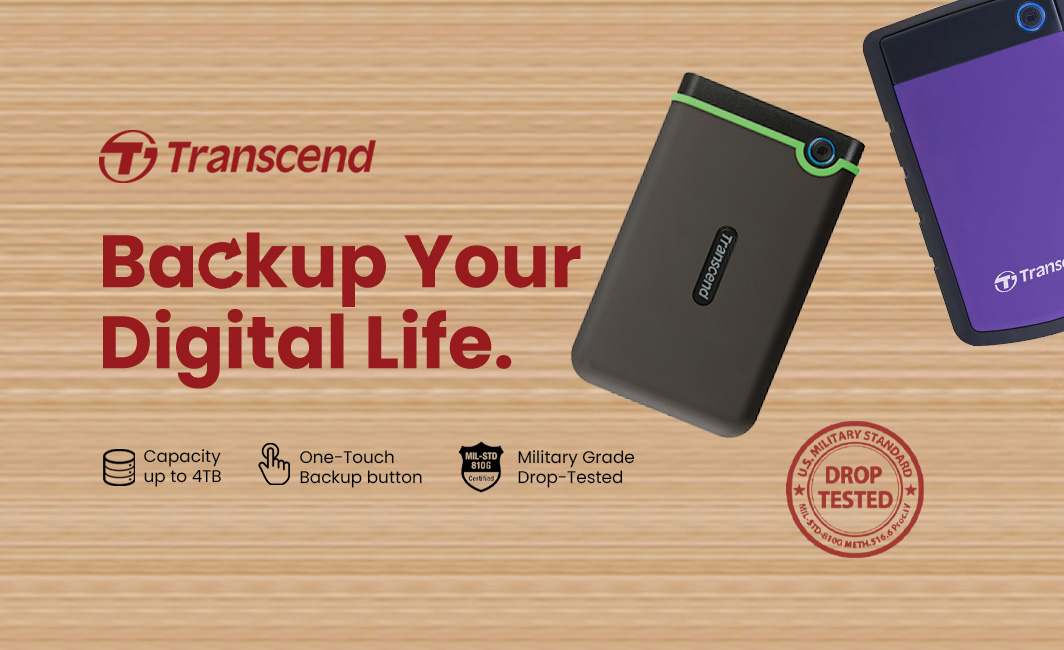
Although over the event of the past few delays, the issue of social media ban has been lifted, with the nation in such a delicate state, it is always a good idea to have your online data backed up. Let's not forget that there have been massive data losses over the recent unforeseen events. So it is important, now more than ever, to secure your data and back up to transcend external storage. But the question here is, how can you download your data from the major platforms? Well, in this blog, this is exactly what we shall talk about.
In this blog, we provide you with information regarding why backup is essential, how to download your data from major platforms, the legal and technical realities of social media bans, and best practices for safeguarding your digital history.
At this point, social media is an integral aspect of our lives, and it contains a wide range of our data. That said, over-reliance on social media platforms to hold is risky. A sudden ban, account suspension, or technical issue can easily cut off your access without notice. The question now is - why is proactive data backup important? A few of the most significant reasons for this are:
Having given you a brief on why proactive backup of data is essential, let's also now talk about the process of securing your data. One of the best ways to do this is by downloading your data and backing it up on your hard drive. But the question here is, how to do this? The following are some of the key social media platforms and how to download your data from these major platforms.
Facebook and Instagram let you download your data directly through the Meta Accounts Centre. This feature ensures you can save your photos, posts, and account information before any unexpected suspension or restriction.
TikTok provides a simple in-app option to back up your data. Using this feature, you can secure your videos, messages, and account details anytime.
Twitter (X) allows you to request a full archive of your account data from both the app and browser. Downloading your archive ensures you maintain access to tweets, messages, and other personal information.
LinkedIn makes it possible to export your data through the desktop browser. This ensures that your professional connections, messages, and profile details remain in your control. Do note that you can only download your data from LinkedIn on a desktop. To do this, you should:
Google Takeout brings together the downloading of all Google products. You can export your YouTube videos, Google Photos, Drive files, and more in a format of your choice.
Even though you possess portability rights on your data, social media suspensions and bans can easily impose enormous challenges in getting your information back. Therefore, information on legal and technical considerations allows you to take the proper steps in protecting your online history.
It should be noted that it requires effort and intelligent storage to make information secure in cyberspace.Don't worry, as there are some best practices that will render your account information, posts, and images retrievable regardless of what becomes of them online. Some of the most effective best practices to protect your online history are:
In today's digital world, your online data is more than just posts and photos; it is a record of your memories, connections, and digital life. While social media platforms offer tools to manage and download your information, taking proactive steps to back up your data ensures that you stay in control, no matter what unexpected changes occur. By regularly downloading your data and storing it securely on reliable solutions like Transcend external storage, you protect your digital footprint and gain peace of mind, knowing your information is safe, accessible, and fully under your control.
In this blog, we provided you with information on ways to download your data from major social media platforms. We hope you found this helpful. If you seek further information on various storage devices to keep your data safe, do check out some of our other blogs. And if you want the best transcend external storage, look no further than Nagmani International - the ASUS & Lenovo authorised distributor for Nepal.
Backing up your data ensures that you retain access to your photos, posts, messages, and account information even if a platform bans your account, suspends it, or experiences technical issues. It also gives you full control of your digital history.
It is recommended to back up your data regularly, such as once every few months or before major platform updates, to ensure you always have the latest version of your digital content.
Most major platforms like Facebook, Instagram, TikTok, Twitter (X), LinkedIn, and Google services provide data download or export options. Some platforms, like LinkedIn, only allow downloads via desktop.
Downloaded data is usually delivered in compressed ZIP files and contains readable formats like HTML or JSON, including your photos, videos, posts, messages, and account details.
Not necessarily. Social media platforms often retain deleted data on their servers for a period of time, and third-party data brokers may have already collected some of your information.