Toggle Nav


Toll Free No. : 1660-01-12787

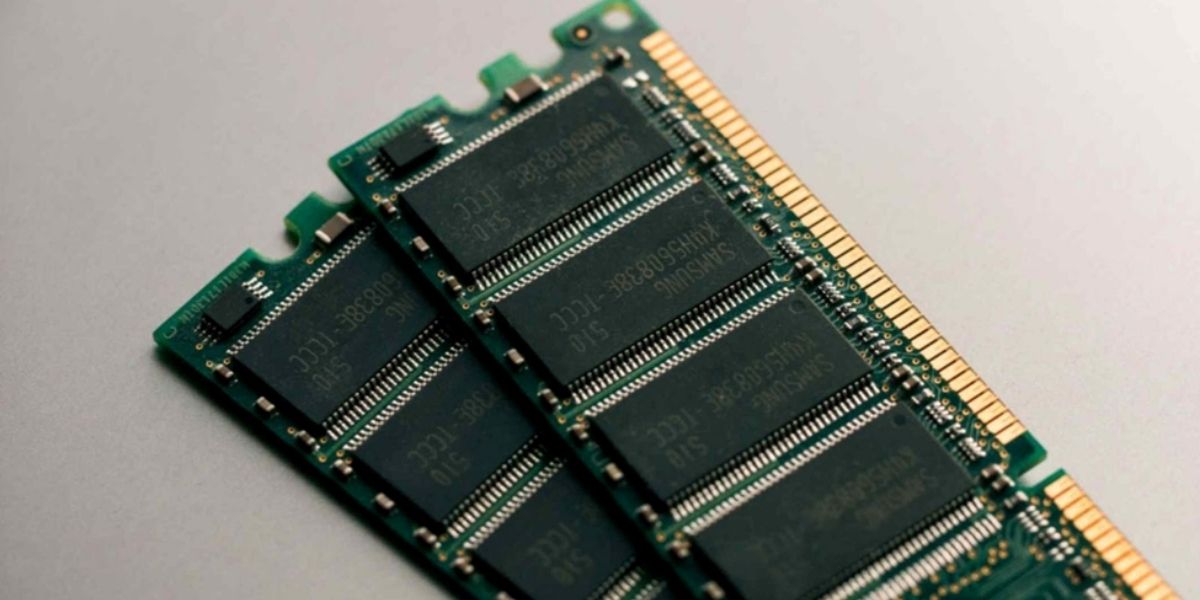
There are many components within a Laptop, and two of the key ones are RAM and System Memory. It would be fair to say that without these components, a laptop just wouldn't work. Now, while many components of the device cannot be changed or upgraded, these two components can. But before you consider upgrading RAM and system memory, there are a few things you need to note. These things include compatibility, maximum supported RAM, type and speed of RAM, number of slots available, and more.
In this blog, we provide you with a brief insight into the various things you need to consider before upgrading RAM and system memory, including what they are. So, keeping this in mind, let's get started!
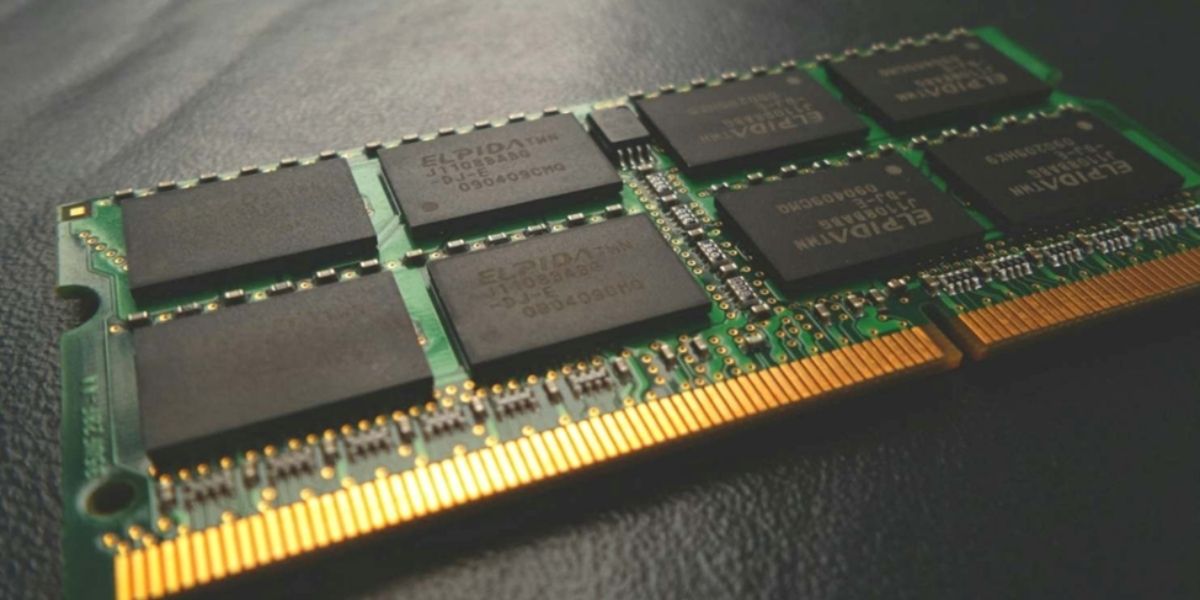
RAM, or Random Access Memory, is a form of high-speed memory for temporary storage within your laptop. This memory holds all the data and programs of your devices when they are being used, so that they can load quickly. The more RAM there is, the more programs you can run simultaneously. At the same time, having more RAM also means that you can run resource-heavy programs as well. This will ultimately mean that the more RAM your laptop has, the better the performance when multitasking, running apps, editing videos, or playing games. AM is a physical component and generally comes installed as small sticks, known as SODIMM modules, in ASUS or Lenovo laptops.
System Memory, on the other hand, refers to all types of memory resources that the laptop uses to operate. This is inclusive of RAM and virtual memory, which refers to the page file that a system uses if the RAM is full. It also includes cache memory and even a portion of RAM that is shared with integrated graphics. Since many laptop manufacturers use the term system memory for RAM more generally, we will do the same.
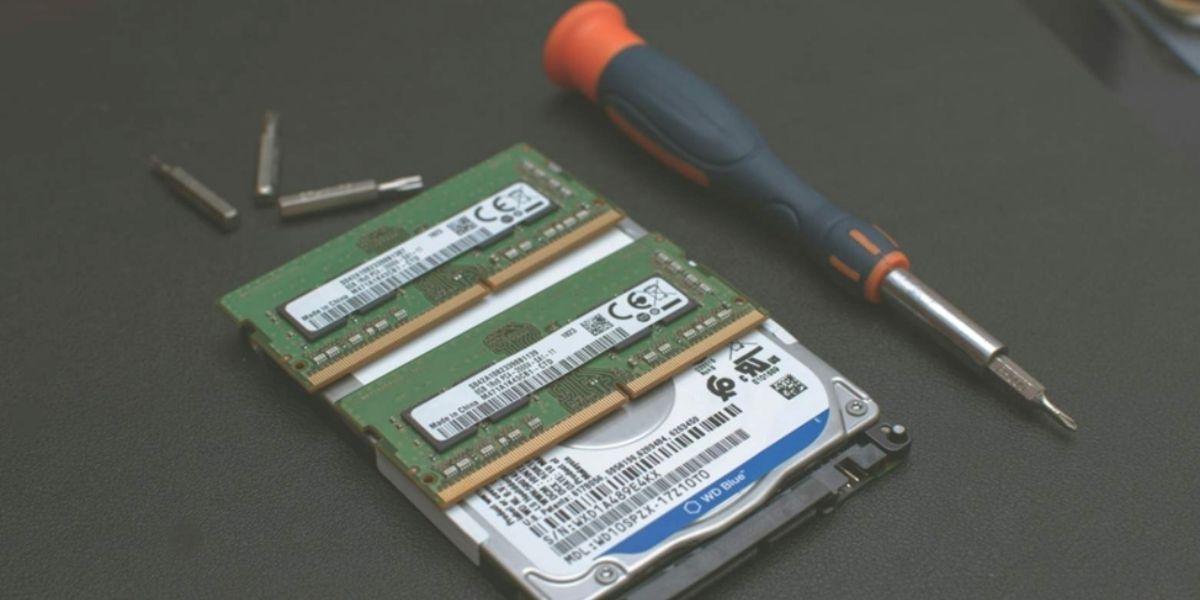
If you feel your laptop is getting a bit slow while doing regular tasks, upgrading your RAM or system memory may just make all the difference. Given that RAM and system memory affect multitasking and responsiveness directly, their upgrade has often been what gives your ASUS or Lenovo laptop a new lease on life. So, when would you change the RAM/ System Memory? Some of the major scenarios where you must increase this memory include:
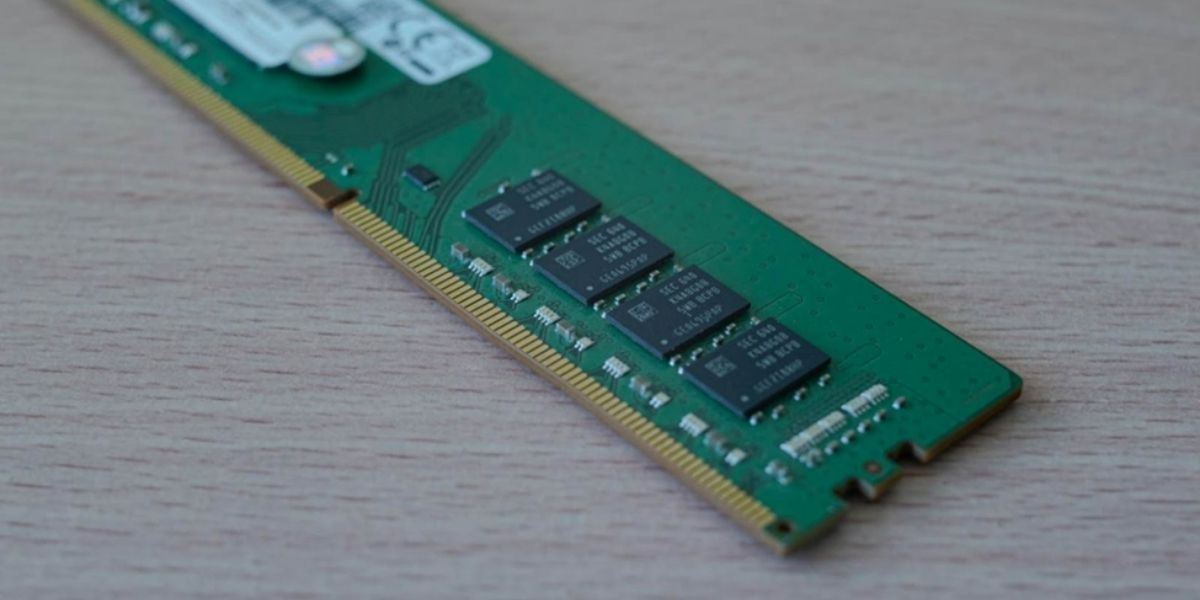
Now, knowing when to upgrade RAM laptop is good. That said, there are a few things you should consider before you make such a decision. What are these things? Well, here are a few of the things to consider before upgrading RAM and system memory:
Before buying any RAM, make sure that it follows the exact specifications that your laptop supports. An ASUS or Lenovo device can support different memory standards such as LPDDR, and DDR. Even among the DDR ram, you have DDR4 and DDR5 RAM depending on its series, such as VivoBook, TUF, ThinkPad, or IdeaPad. Checking compatibility helps you avoid boot issues, wasted money, and installation problems.
Every laptop has a limit on how much RAM it can handle based on the motherboard and processor. Some ASUS and Lenovo models support only 8GB or 16GB, while others can go up to 32GB or 64GB. Knowing this limit prevents you from buying RAM that your system simply cannot use.
Your laptop may need DDR3, DDR4, or the newer DDR5 memory, depending on its age and design. Matching the right speed (MHz) ensures stability in laptop/ pc performance because faster RAM will automatically downclock to the level supported by the system. Select the right type and speed to help your laptop work smoothly without compatibility warnings.
Most laptops offered by ASUS and Lenovo have two RAM slots, but ultrabooks come with just one slot, and quite often, the memory is soldered. The number of available slots informs you of how many RAM sticks you will be able to add, or if you need to replace the existing stick. This also lets you plan for dual-channel performance to achieve much-improved speeds and smoothness.
Opening your laptop or installing third-party RAM may affect warranty coverage depending on the model and region. Using genuine, branded, and original RAM modules reduces the risk of hardware issues and ensures long-term reliability. Always buy from trusted suppliers to avoid counterfeit components that can damage your system. Once you consider all these things and make sure that everything is ok to go, then you will have the ability to choose the ideal RAM and system memory of your choice. You are not obliged to opt for the highest possible one, but doing so does future-proof your device to a considerable extent. Thus, if you want value for money on your budget spent upgrading RAM and system memory, go for the best one possible.
RAM and system memory upgrading can further enhance the already good speed, performance, and multitasking capabilities of your ASUS or Lenovo Laptops. The good news is that you are able to upgrade RAM laptop seamlessly, given that you check against factors such as compatibility, maximum supported capacity, and available slots. In this blog, we tried to provide information on things one should consider before upgrading RAM and system memory. We hope this post was helpful. For more detailed insights regarding various aspects of Lenovo and ASUS laptops, you may want to visit other blogs. And regarding the best Asus and Lenovo laptops in Nepal, Nagmani is an authorized distributor of Asus and Lenovo laptops in Nepal. Thank you for reading till the end.
Yes, this is because upgrading RAM enhances your laptop's multitasking capability and reduces lag while doing resource-heavy tasks. It offers more temporary storage to the apps in active use, which will increase overall responsiveness, especially when multitasking, gaming, or editing
Check your laptop model's specifications through the official website, user manual, or system information tools such as CPU-Z. This is because most ultrabook models come with soldered RAM, which can never be upgraded or replaced. If there are slots for RAM, then it can almost always be upgraded.
RAM refers to the actual physical stick of high-speed memory inside your laptop that is used for active tasks. System memory can be defined in a broader sense to include virtual memory, cache, and shared GPU memory, among others. While the terms can often be used interchangeably for simplicity by many brands, RAM refers to the specific hardware that you'd be upgrading.
Yes, mixing different RAM speeds or different RAM brands can sometimes make the system unstable, or even force both sticks to run at the slower speed. Though it normally works, it's always safer to use identical RAM modules for the best performance. Matching sticks also ensures proper dual-channel operation.
Normally, 8GB will suffice for basic usage and browsing. With 16GB to 32GB, one gets much better performance in gaming, multitasking, editing, or using heavy software. If your laptop supports it, higher RAM helps future-proof your device.