Toggle Nav


Toll Free No. : 1660-01-12787

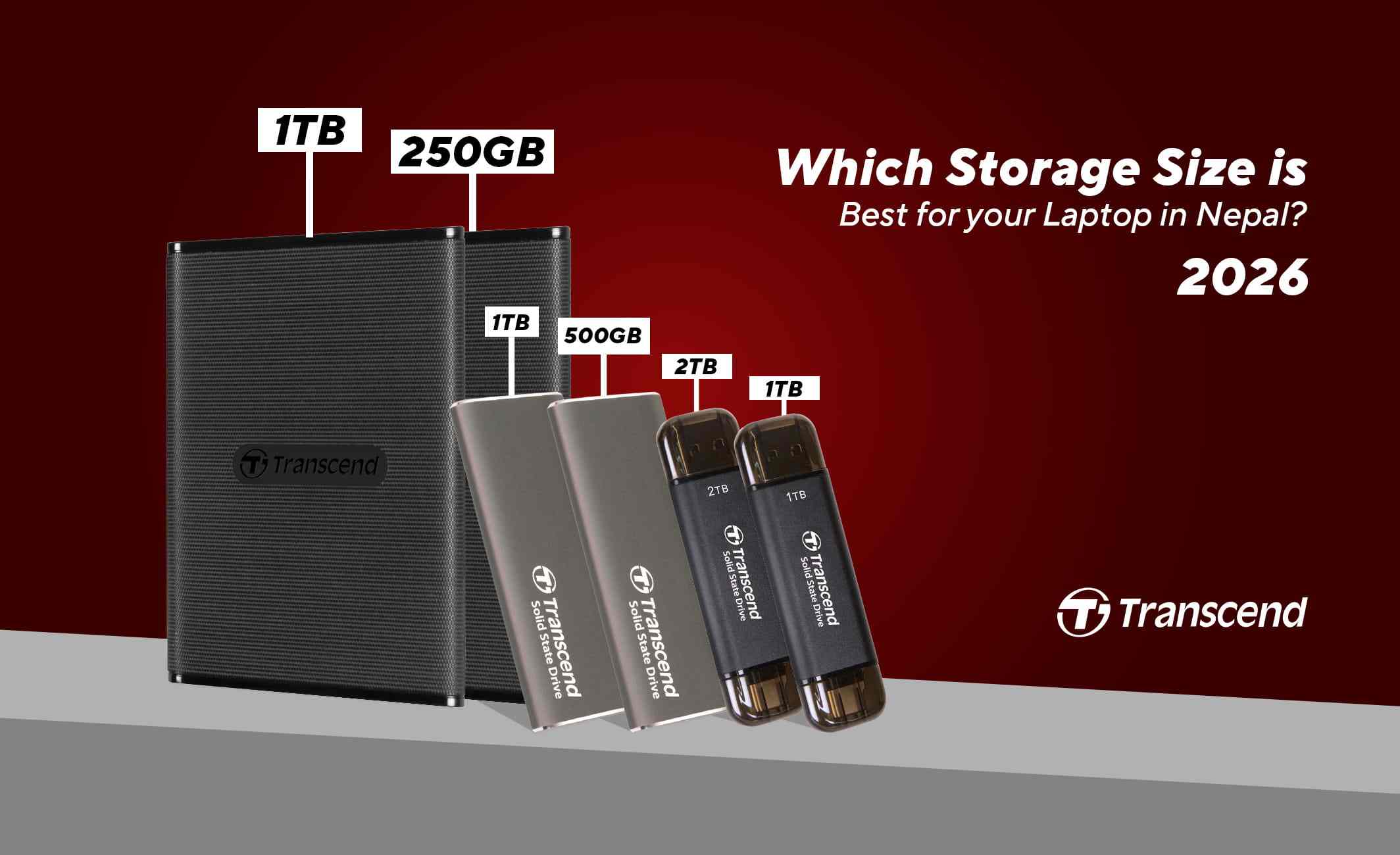
When it comes to laptops, there are many aspects that can determine your choice. One of the key aspects is its storage. Choosing adequate storage is highly important regardless of how you use your laptop. Not enough storage, and you may need to upgrade it soon; too much storage, and it would just be a waste. With laptops in Nepal available in three key storage options, 256GB, 512GB, and 1TB, a question may arise in your mind: which storage size is best for your laptop?
In this blog, we provide you with insight on this very question. Additionally, we also cover questions such as whether you can upgrade your SSD later and how much storage you need in 2026. So, keeping this in mind, let’s get started!
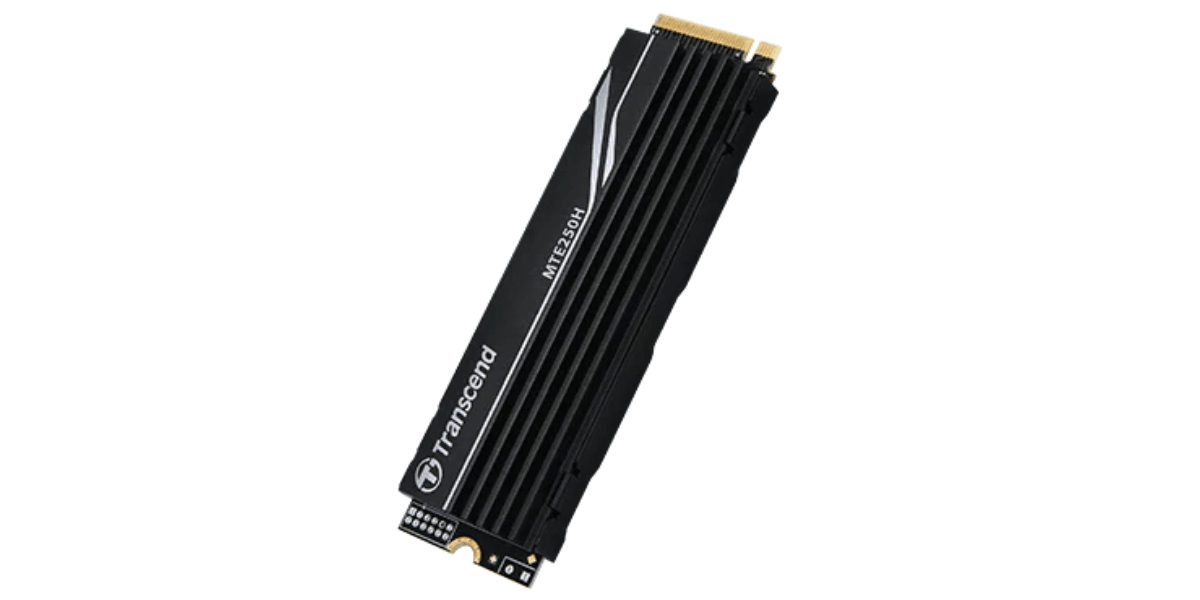
Before we dive into the specifics of the SSD storage drives, let’s quickly compare and contrast the basic specs of these three storage capacities. This is because the capacity you choose often determines the amount of games, documents, photos, videos, and other files you can keep on your laptop without constantly worrying about free space. That being said, do note that the actual usable storage will always be a bit lower than the provided capacity due to some of the storage being taken by the OS, temporary files, system files, and recovery partitions. So, keeping this in mind, the following is a compilation of different storage options at a glance.
|
SSD Capacity |
Approx. Usable Storage* |
Best For |
Typical Usage |
Upgrade Consideration |
|
256GB |
Around 220–240GB |
Basic users |
Browsing, Office, online classes |
May need an upgrade sooner |
|
512GB |
Around 460–480GB |
Most users |
Work, study, apps, photos, games |
Good balance of capacity and cost |
|
1TB |
Around 930GB |
Gamers, creators, heavy users |
Games, videos, software, large files |
More storage for long-term use |
The capacity of a 256 GB SSD is good only for users with simple demands who do not often work with big files. If your laptop will be mainly used for web browsing, office work, online courses, video conferences, emails, streaming, and other similar activities, then 256 GB will be enough for you.
Nevertheless, you will have to monitor your free space. The capacity of 256 GB mentioned above is not exactly your available space since Windows takes up some space on your SSD along with system files and other software. As soon as you install a few programs, download some videos, save pictures, and keep documents on your computer, you will use the space faster than you might expect.
The capacity of a 256 GB SSD may become too small if you want to play new games or install professional software. It will not matter if you use cloud storage and other online services. Still, if you keep everything on your computer, then you may need more space.
A 512GB solid-state drive is suitable for those who would like a balance between 256GB and 1TB. You have enough storage for your common applications, documents, images, video files, and some games without worrying too much about the issue of managing storage.
Students can have enough storage for software, study materials, presentation documents, PDF files, and personal documents. The same applies to employees. They can have some extra space for work applications and documents, projects and media of any kind. However, 512GB allows you to install some games, although this may depend on how much storage games occupy in the first place.
Compared to 256GB, you have a lot of room. Therefore, you have enough flexibility in installing applications and storing files, with plenty of free storage for later. This makes it ideal for you if you want to keep your laptop useful for a few years to come.
Advantages of 512GB SSD
Disadvantages of 512GB SSD
One of the main advantages of a 1TB SSD is that it is meant for people who require considerable amounts of storage space for different applications, games, movies, pictures, documents, etc. The SSD is especially good for gamers and professionals in content creation, video editing, and design because of the size of the files.
The latest games and software applications require considerable amounts of storage space, and video projects or media files require even more. A 1TB SSD will provide sufficient storage capacity without needing to delete any applications or move the files to an external drive or cloud.
A 1TB SSD is the best choice for those who like their files to be stored locally rather than using cloud or external drives. The additional storage capacity will help in storing more files in the future.
What matters is why you want an SSD in your laptop. If you are a basic user, you will not require the extra space provided by 512GB and 1TB SSDs. However, if you are a gamer, content creator, or a user who normally deals with huge files, the extra storage will do good to you.
|
User Type |
Recommended Storage |
|
Basic/Office User |
256GB |
|
Student |
512GB |
|
Professional |
512GB |
|
Gamer |
512GB–1TB |
|
Content Creator |
1TB |
|
Heavy File Storage |
1TB |
256GB would be enough for office and daily purposes, provided that you do not accumulate many large files. 512GB will be more appropriate for students and other people since it will provide more space for programs, documents, music, and videos.
The selection of either 512GB or 1TB SSD for gamers depends on how many games you want to have installed at one time and how big your collection of games is. The 1TB SSD will be handy for those people who have large video files, designs, software, and other things that require plenty of space.
It is also important to think about the future. If you intend to use your laptop for many years, it is better to buy it with more space in the first place.
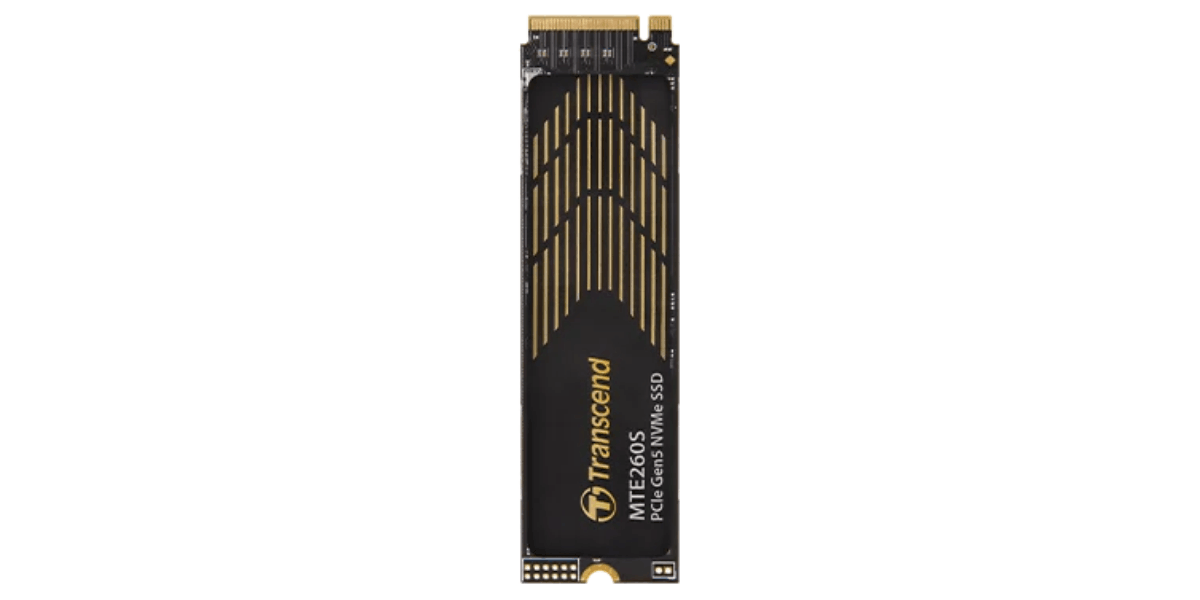
Of course, in some laptops, the SSD is upgradeable at a later stage; however, this depends on the design and specs of the particular machine. Therefore, before purchasing a laptop that offers 256GB storage with the expectation of future upgrading, make sure of the following:
There is no one-size-fits-all SSD storage capacity. It will depend on what you plan to do, the size of the files and games that you have and how dependent you are on cloud and external memory.
Storage requirements also evolve over time. What appears to be enough when buying the device might become insufficient after a while as you download more programs, take more pictures, play more games, and gather more documents for work or studies.
When it comes to choosing between 256GB vs 512GB vs 1TB SSD, the choice ultimately comes down to how you use your laptop. If you are using your laptop for just basic things such as browsing, office work, or educational use, or rely on cloud storage, then 256GB is more than adequate for you. But if you need more storage space for similar tasks and games a bit, then 512GB is ideal for you. If you are a gamer, content creator, and/or work with other forms of tasks that require heavy file storage on your laptop, then 1TB is the right choice for you. Ultimately, the choice depends on who you are and what your needs are.
In this blog, we provided you with insights regarding the three standard capacities of SSDs, while also comparing and contrasting them. We hope you found this helpful. If you seek further insights into the various other aspects of laptops, do check out some of our other blogs. And, if you want the best laptops and SSDs in Nepal, look no further than Nagmani International - the authorized distributor of ASUS and Lenovo laptops in Nepal.
It may be adequate, considering the space that the 256GB SSD offers in relation to your use of the computer, which entails browsing, running MS Office programs, participating in online classes, among other similar applications. Nonetheless, there will be less available space once you use applications, games, pictures, or videos on your laptop. If you need some extra space, a 512GB SSD would be a better choice.
For occasional use, a 512GB SSD will be enough as long as you do not have too many games installed. Nevertheless, if you intend to store several big games on your computer or need a big game library, you had better opt for a 1TB SSD to avoid constant uninstalls or transferring games to an external hard drive.
A 1TB SSD is suitable for people who work with big files or just need more space. It is a good choice for gamers, videographers, content creators, designers, or specialists dealing with large projects.